One configurable platform for the entire inspection
Adjuster Copilot isn't a single feature bolted onto paperwork — it's a complete field inspection platform you configure to match how your team actually works.
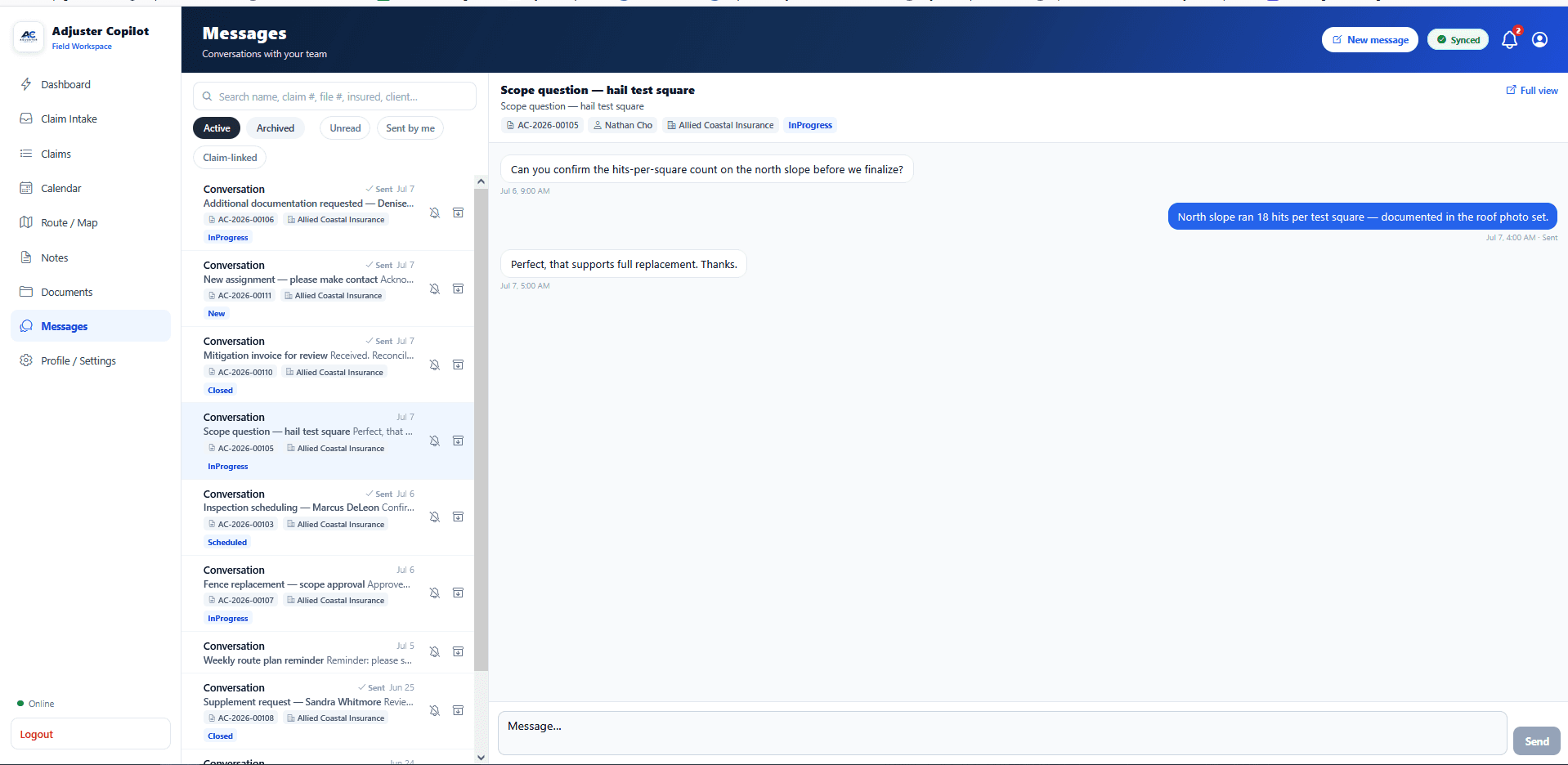
Everything an inspection needs, in one place
From the moment a claim is assigned to the finished report, every step lives in the same connected workflow.
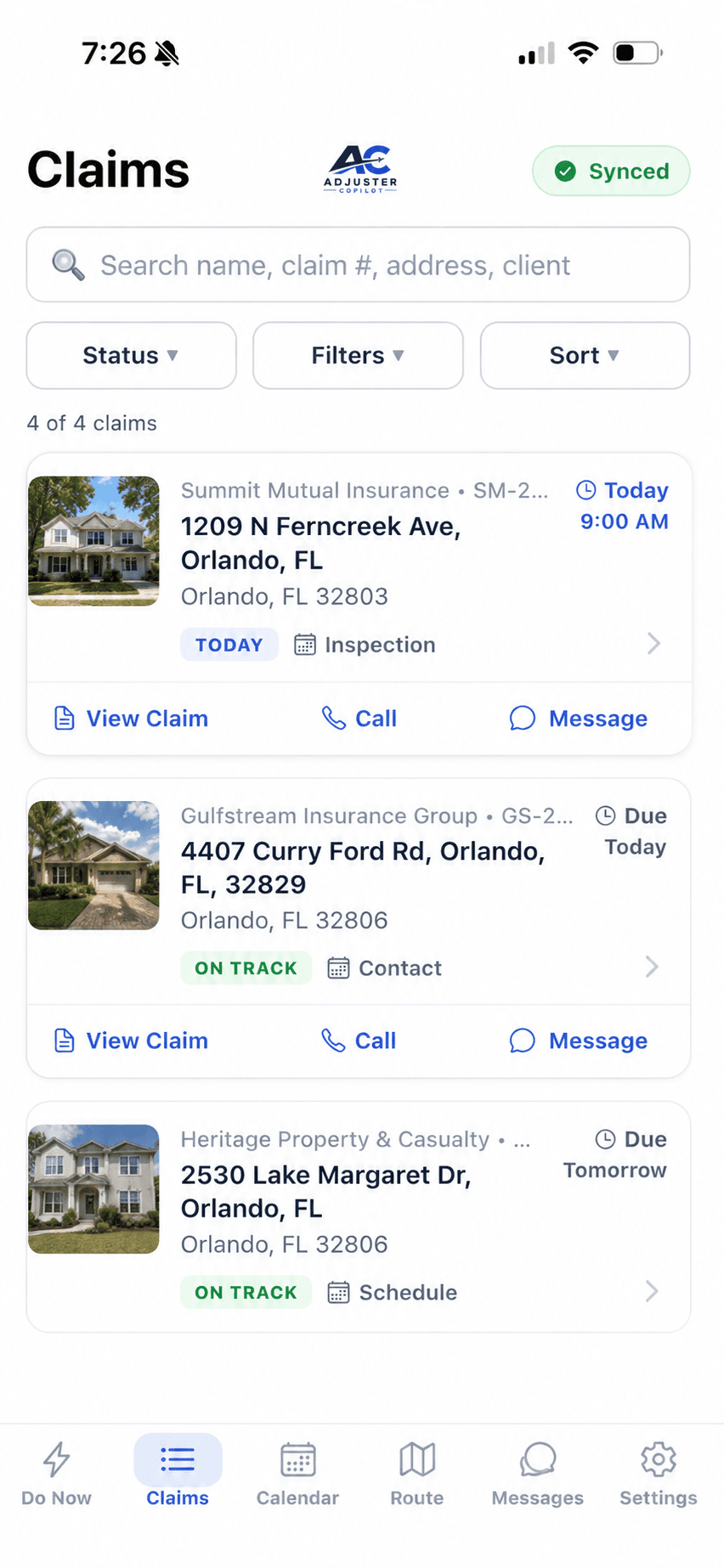
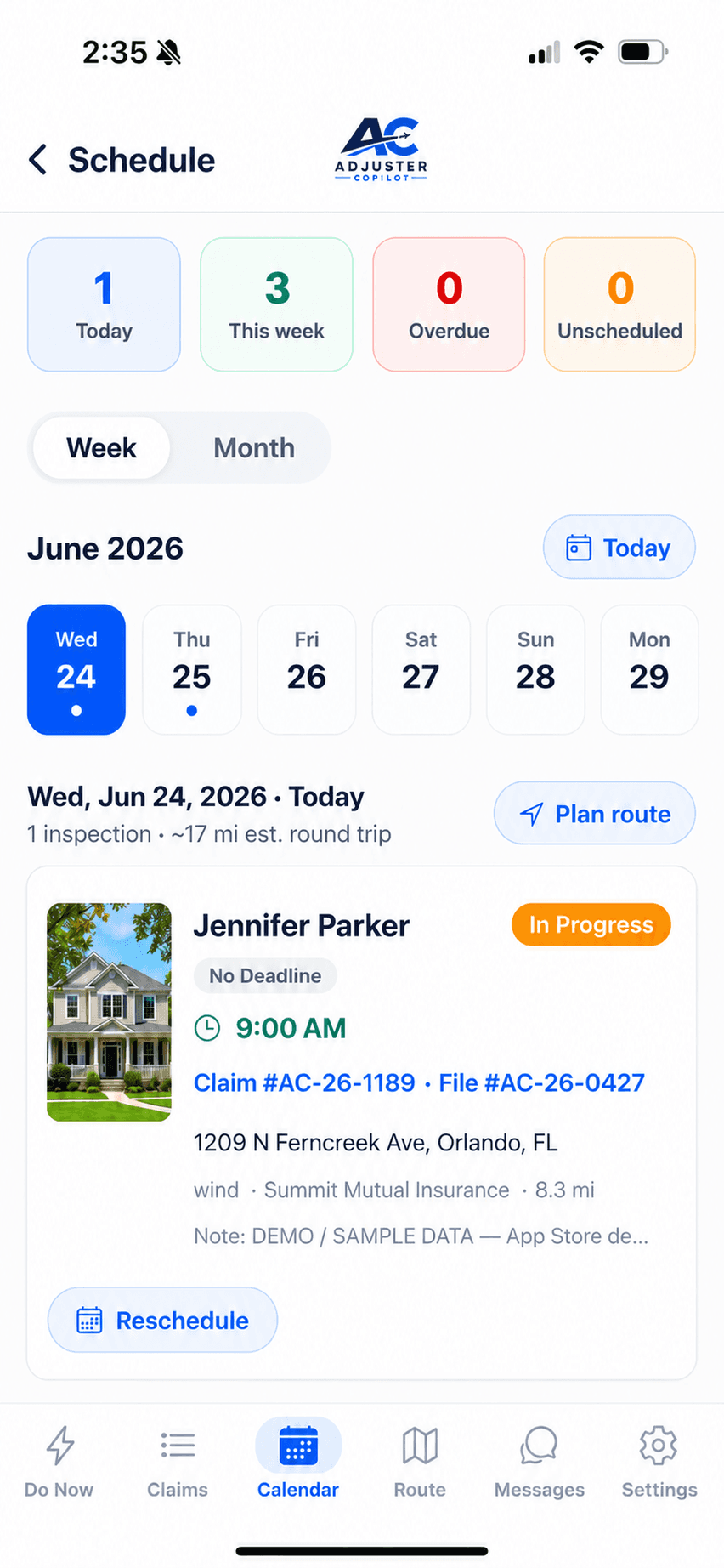
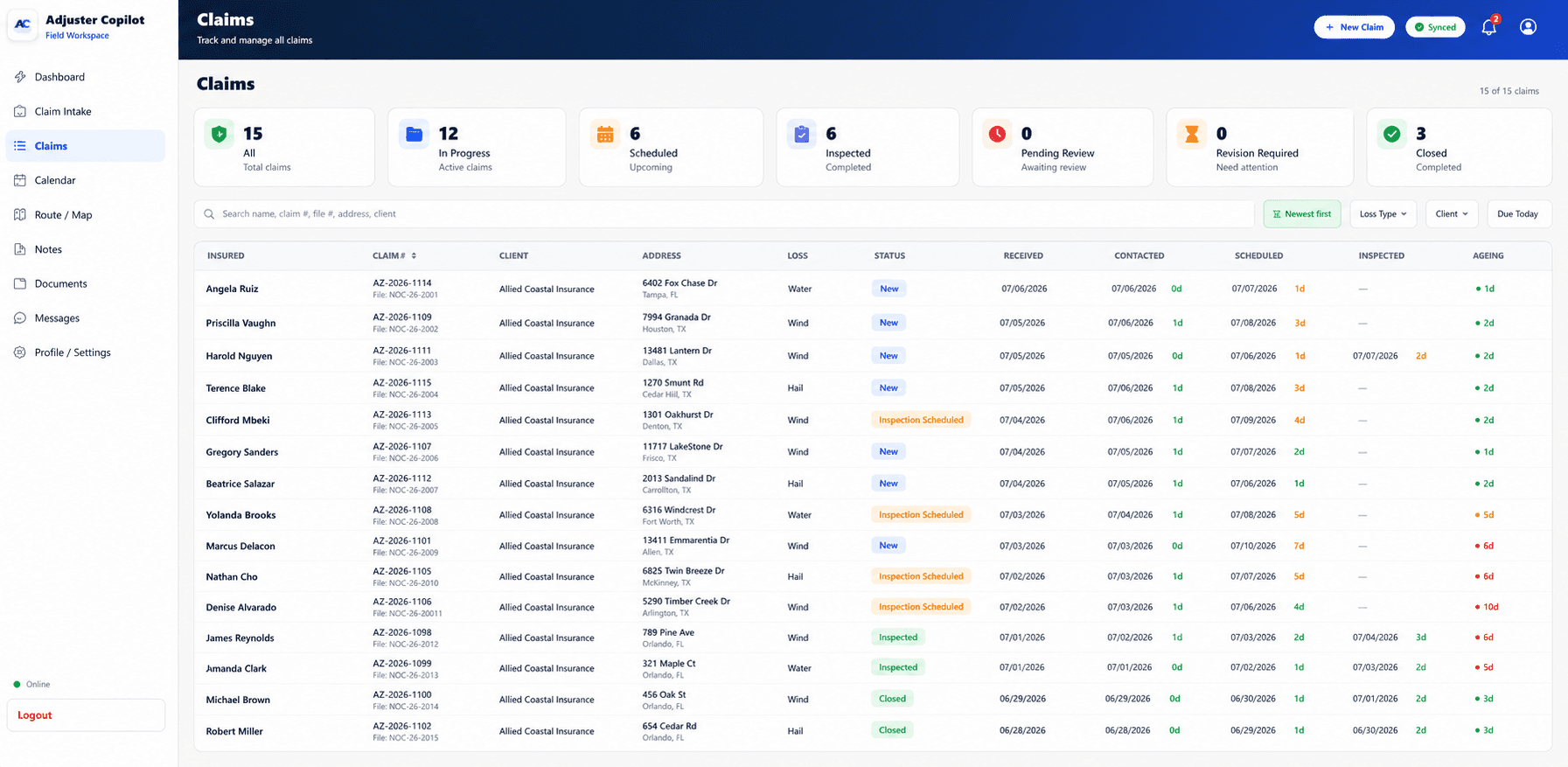
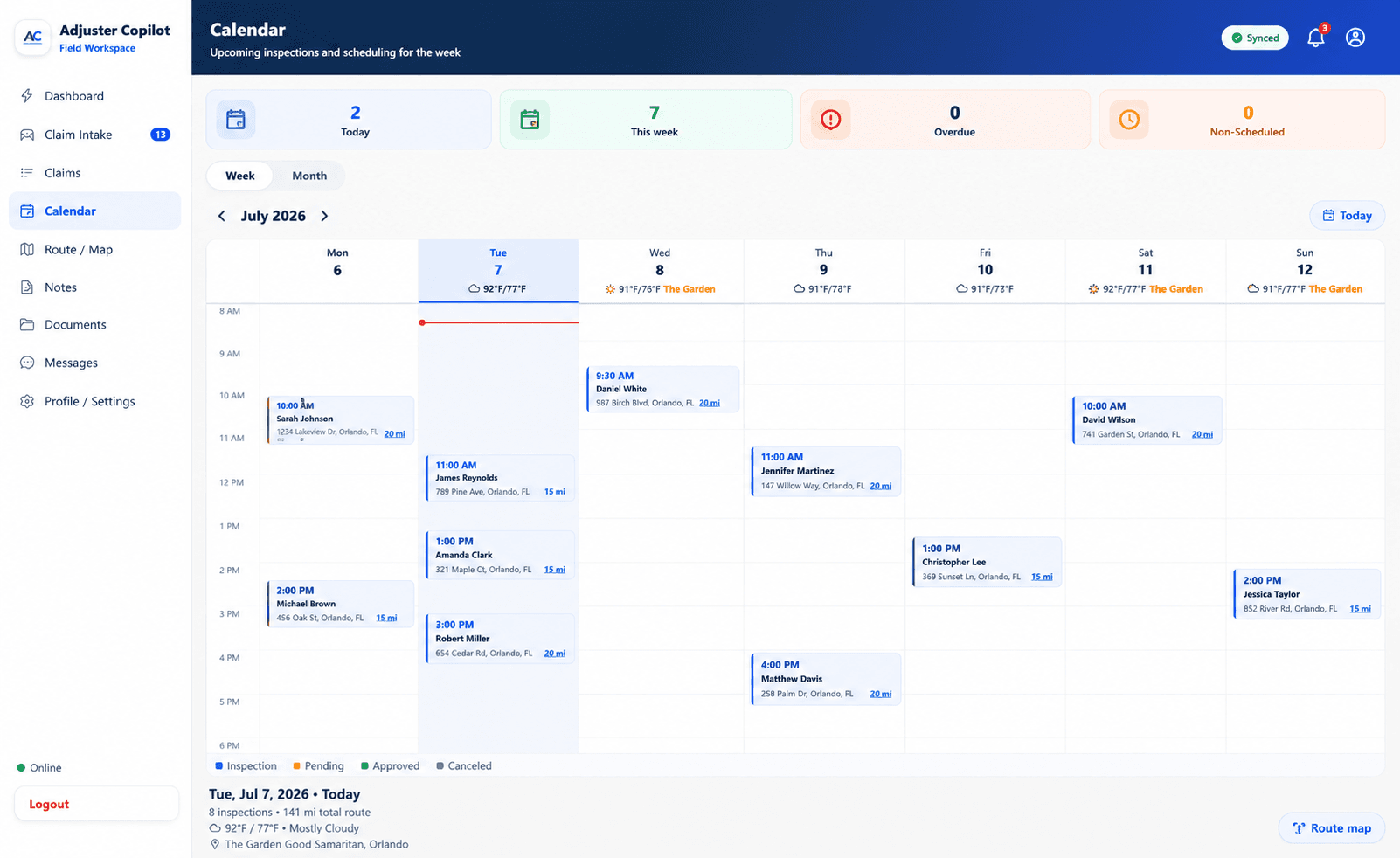
Assignment Management
Receive, organize, and prioritize claims so every inspection starts with the full picture — insured, peril, property, and deadline.
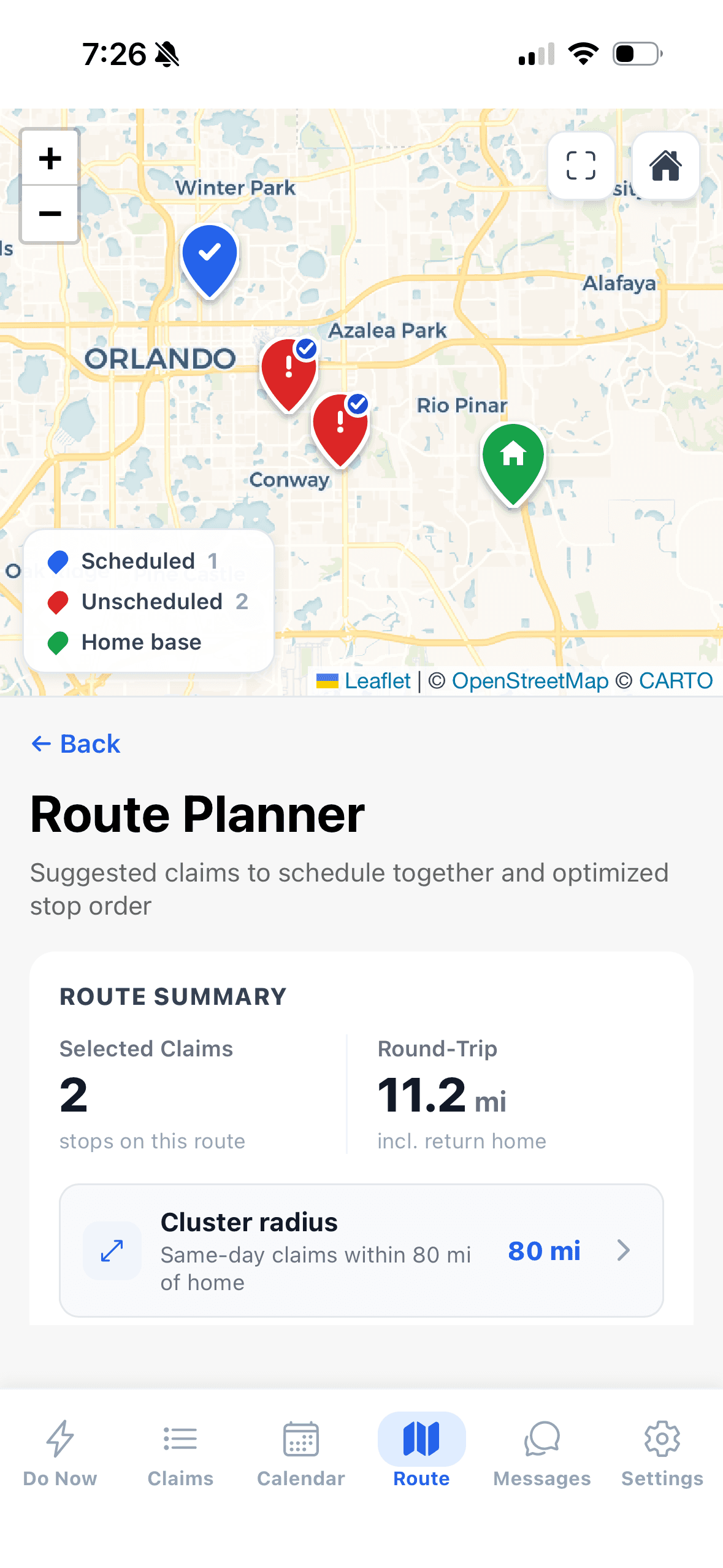
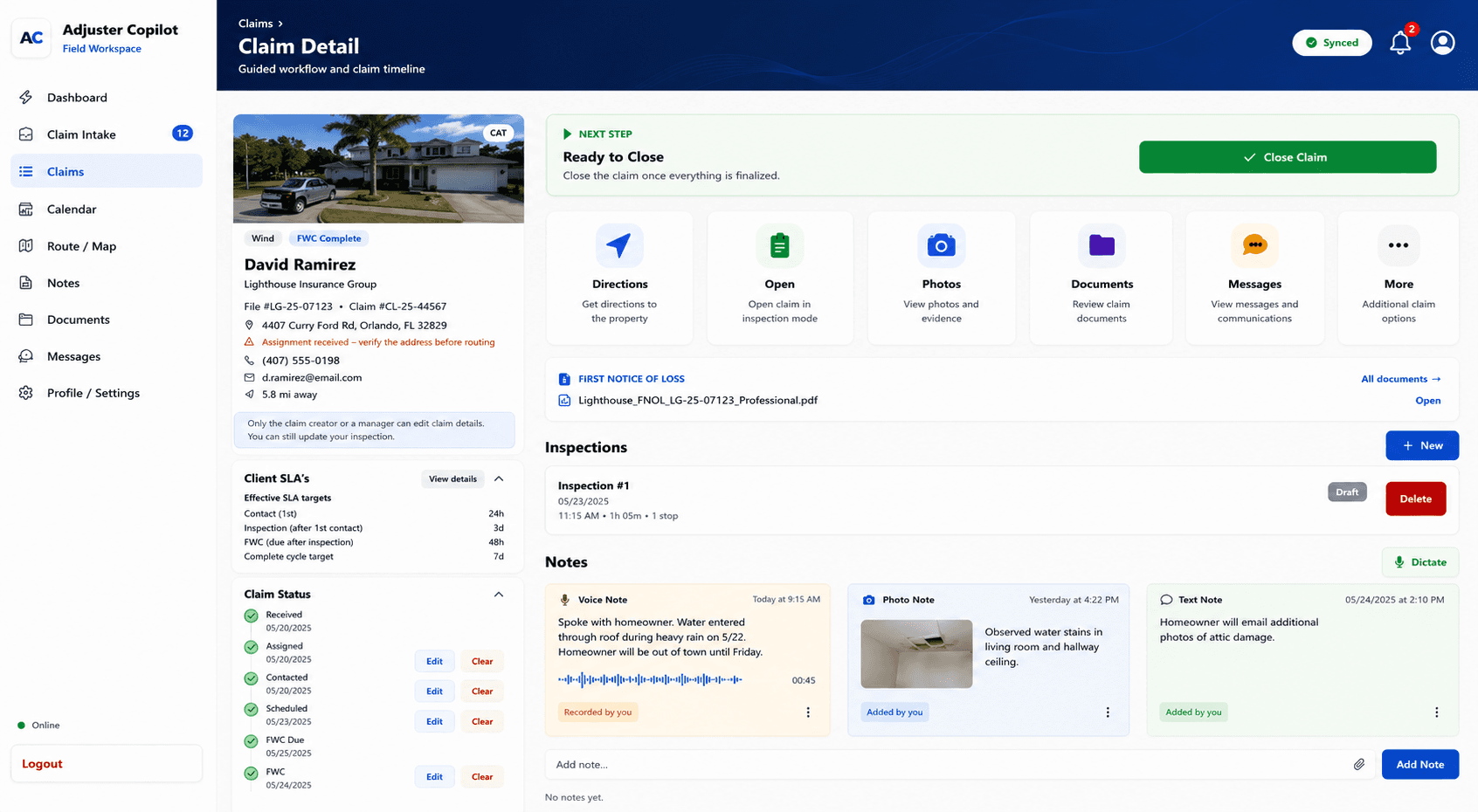
Inspection Workflow
A guided, step-by-step flow that adapts to the claim type and keeps documentation in the right order, every time.
Questionnaire Engine
Structured, guided questions that capture the findings a complete file depends on — no blank fields discovered later.
Damage Documentation
Record damage by area and category with consistent, repeatable structure across every inspection.
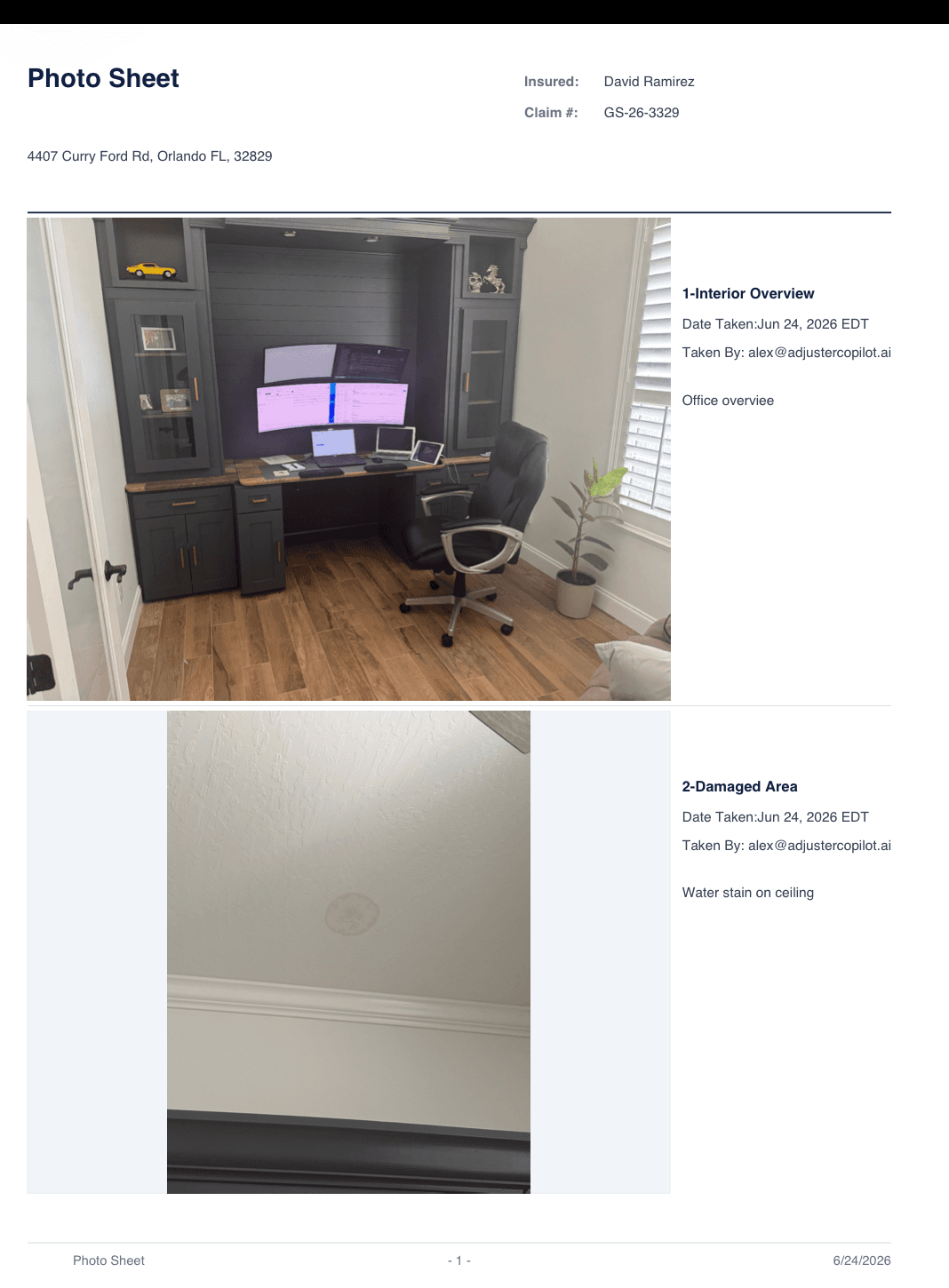
Photo Management
Required photo prompts plus automatic labeling and organization by elevation and damage area.
Signature Capture
Collect homeowner and insured signatures on-site, bound directly to the inspection record.
Reporting
Assemble the complete, organized inspection report from everything captured in the field.
Configuration System
Tailor registries, photo sets, questionnaires, and templates to each client and workflow.
Offline Mobile Platform
A field-first mobile experience that runs fully offline and syncs the moment you're back in range.
Built to adapt to every inspection workflow
No two operations inspect the same way. The configuration system lets you shape the platform around your clients, perils, and standards — not the other way around.
Client Registry
Define the clients and carriers you work for.
Loss Type Registry
Configure the perils and loss types you handle.
Damage Category Registry
Standardize how damage is categorized across files.
Required Photo Sets
Set the exact photos each inspection type requires.
Questionnaire Templates
Build the guided question sets for each workflow.
Narrative Templates
Shape how AI narratives are structured and worded.
Client-specific Workflows
Combine the above into a tailored workflow per client.
Built for the field. Ready for CAT.
The entire platform runs on the device. Signal can drop the moment you step inside — your inspection keeps going and syncs when you're back.
Signal Available
Pull your assignment and start the inspection.
Signal Lost
Basement, rural CAT zone, dead-zone rooftop — no problem.
Keep Working
Photos, questionnaires, signatures, narrative — all fully offline.
Sync Complete
Back in coverage, everything uploads automatically.
Today. Next. Future.
What's available now, what's actively in development, and what's on the roadmap. Forward-looking items are not yet available.
Available Now
Live- Offline mobile inspections
- Guided inspection workflow
- Required photo sets
- Digital signature capture
- AI narrative generation
- Configurable registries & templates
In Development
Building- Inspection report export formats
- Expanded questionnaire library
- CAT operations console
- Team roles & permissions
Roadmap
Planned- Carrier & TPA integrations
- Analytics & reporting dashboards
- Public API & webhooks
- Advanced damage detection AI
Roadmap and in-development items are planned capabilities and are not yet available.
See the platform on your workflow
We'll walk through how the platform configures to your clients, claim types, and documentation standards.