Built for the way adjusters actually work
Review the current field and office capabilities, then follow the dedicated feature pages for precise workflows, limitations, and product evidence.
Built for inspection work beyond signal
After an assignment is downloaded, Adjuster Copilot keeps saved inspection data available and queues supported field changes on the device until you reconnect.
- Saved assignments and inspections remain accessible
- Supported field changes are queued locally
- Pending, synced, and failed states stay visible
No signal detected
Saved inspection data remains available
A guided flow that matches the claim
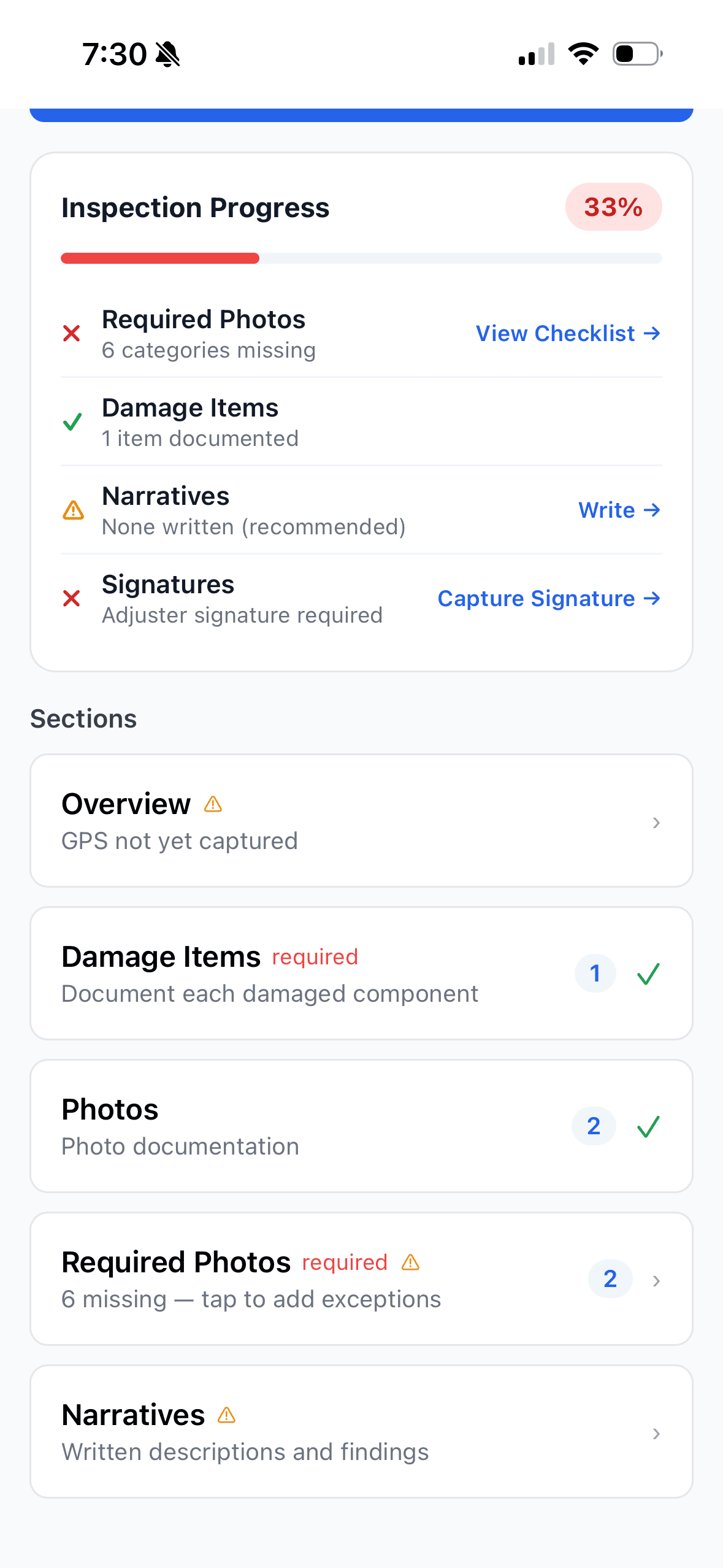
Configured questions and requirements guide the inspection sequence while keeping progress and missing items visible for adjuster review.
- Prompts tailored to claim type and peril
- Logical order that mirrors how you inspect
- Completion tracking so gaps are obvious

Required photo categories stay visible
The checklist shows which configured photo categories are covered, missing, or documented with an exception reason before submission.
- Required categories resolved for the inspection
- Direct capture from a missing category
- Adjuster review and exception workflow

Sorted and labeled as you shoot
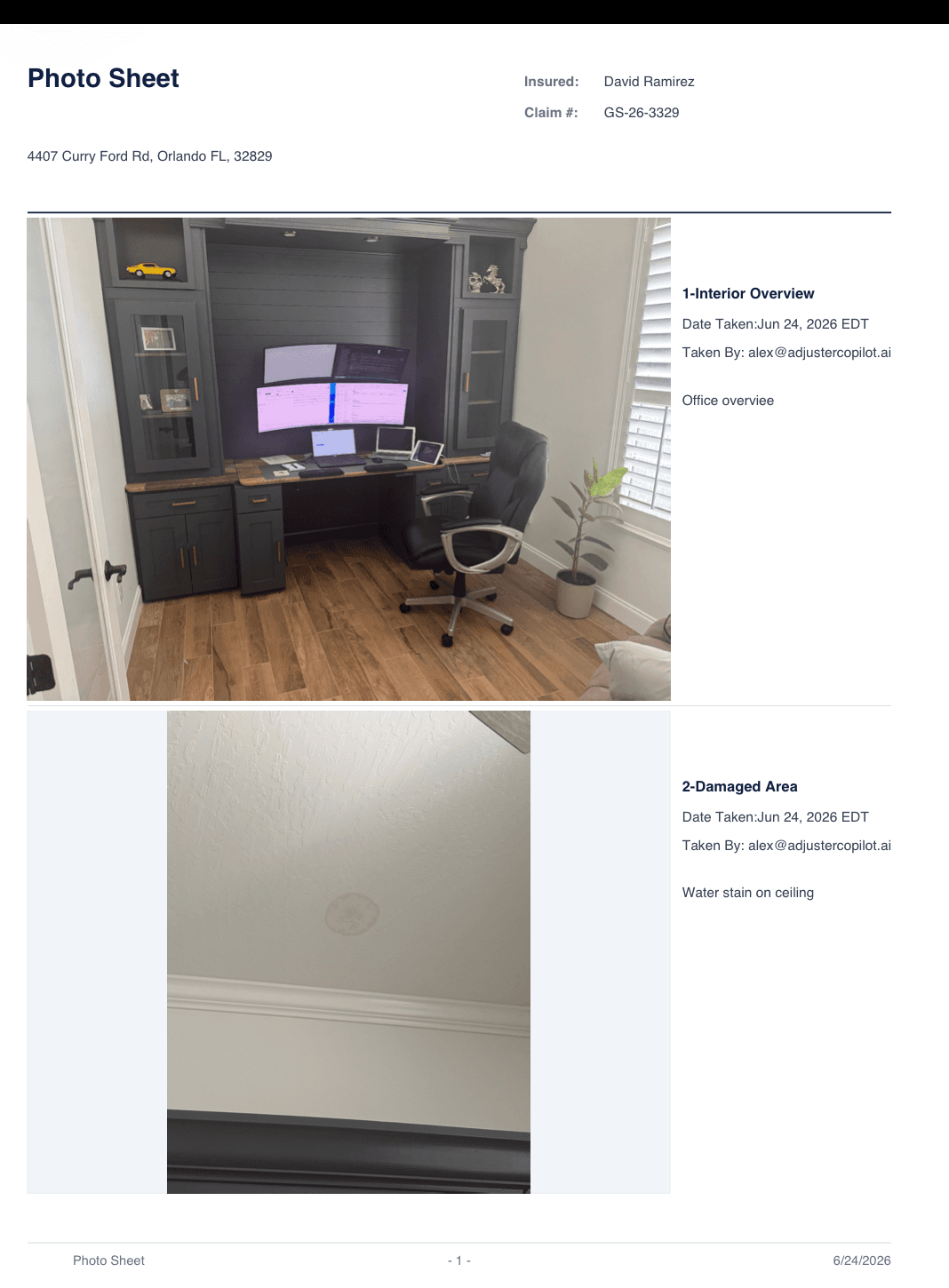
Choose a category before saving, add an optional caption, and review the photo order and upload state inside the inspection.
- Category and caption editing
- Explicit photo reordering
- Visible offline and upload states

Capture sign-off on the spot
Collect supported signatures on the device and keep them attached to the inspection record.
- On-device signature capture
- Bound directly to the inspection record
- Available in the supported offline inspection workflow
Insured acknowledgement
Your field notes become an editable draft
Use captured field notes to generate a narrative draft, then review and edit it before it becomes part of the file.
- Drafts a narrative from your captured notes
- Uses the applicable narrative template
- Requires human review before file use

Back in coverage, confirm the upload
When connectivity returns with the inspection open, the app attempts to send queued inspection work and shows whether changes are syncing, synced, pending, or failed.
- Foreground sync attempt on reconnect
- Manual Sync Now and Retry controls
- Visible confirmation before handoff
No signal detected
Saved inspection data remains available
Keep high-volume field days structured
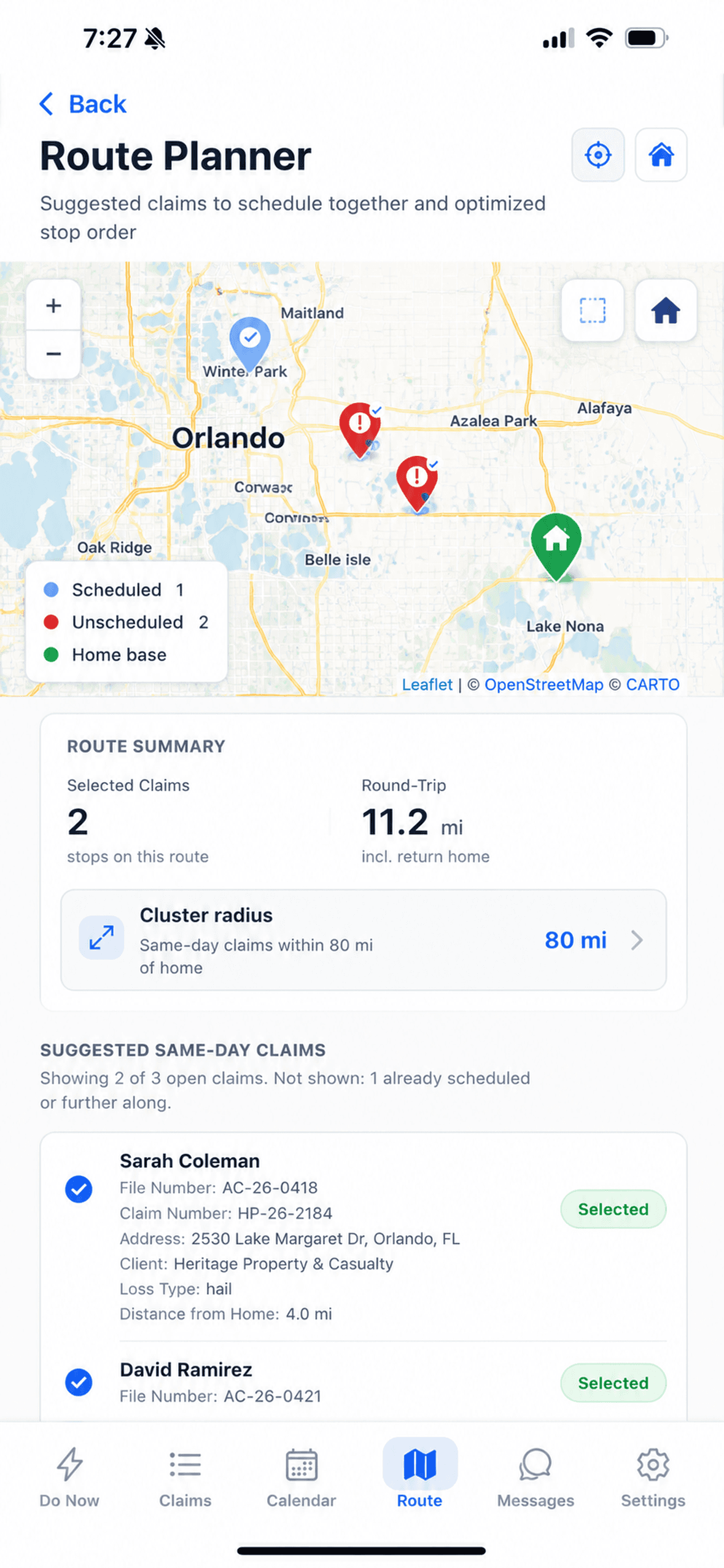
Organized assignments, route planning, guided capture, and offline field access support adjusters working through busy inspection days.
- Review and prioritize the assignment queue
- Use a repeatable guided capture sequence
- Continue supported fieldwork through connectivity gaps

See it on a real inspection
We'll walk through the full workflow against your actual claim types.